Video Instructions
Step-By-Step Instructions
1. Launch the NFHS Digital app
2. Select the "Library" tab at the bottom of your display
3. Navigate and select into any publication
4. Start viewing the content available within that particular publication
5. When you come across text, simply click on the desired text
Clicking on the text will open a menu bar on the bottom where you can select Highlight and then select the color 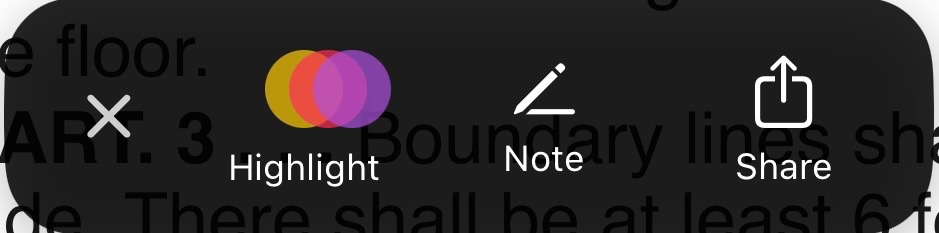
6. You can review any highlights made by navigating to your "Notebook" tab down at the bottom of your display.
Was this article helpful?
That’s Great!
Thank you for your feedback
Sorry! We couldn't be helpful
Thank you for your feedback
Feedback sent
We appreciate your effort and will try to fix the article