Video Instructions
Overview
There are two areas you will be able to search through in NFHS Digital. If you want to open a publication you already have access to, navigate to the Library tab to get started. If you want to find a publication you need to buy or get access to, navigate to the Store tab to get started.
Step-By-Step Instructions
1. Launch the NFHS Digital mobile app
2. Select the "Search" bar at the bottom of your display (Either in the Library or Store tab)
3. Select the search bar at the top
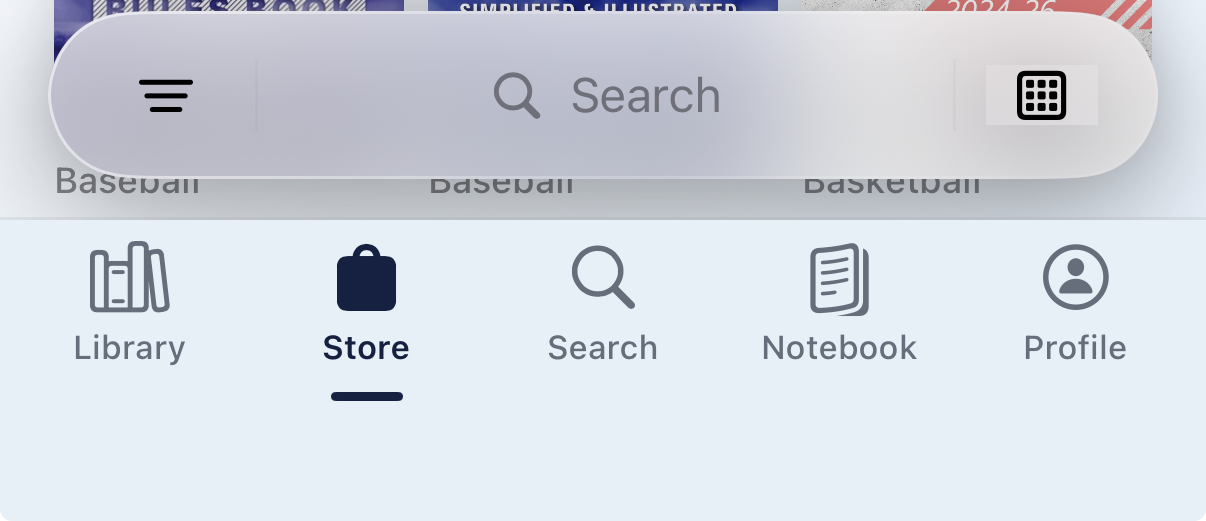
4. After typing in the search bar, hit "Search". This will display the results for what you input and you can filter by, images, texts and notes 
EXAMPLE: If you search the term "Block", any publication you have available to you in your NFHS Digital app will display locations within their text where "Block" appears.
Was this article helpful?
That’s Great!
Thank you for your feedback
Sorry! We couldn't be helpful
Thank you for your feedback
Feedback sent
We appreciate your effort and will try to fix the article